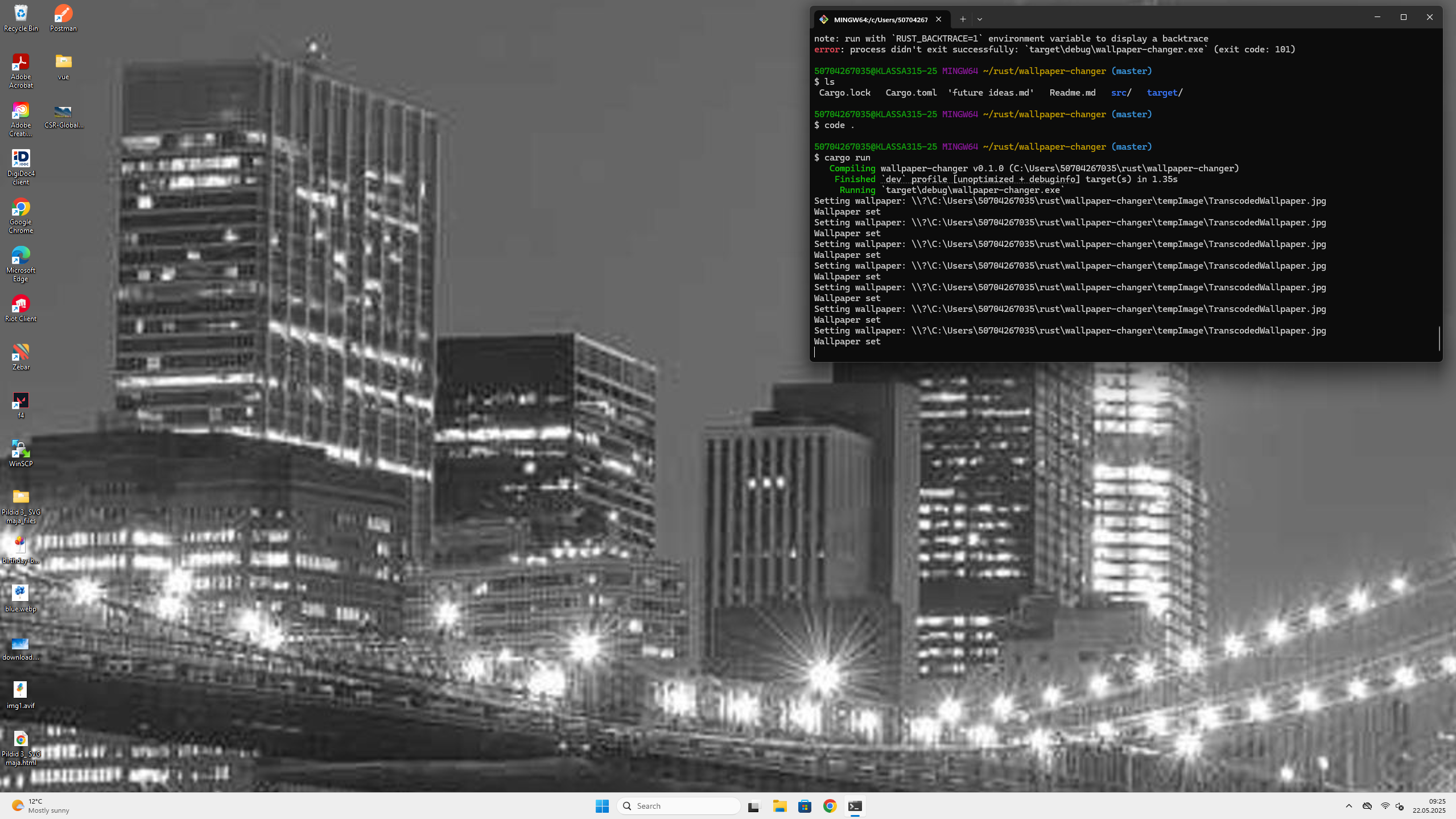
Tired of staring at the same desktop background all day? Want to randomly shuffle your favorite wallpapers or fetch a fresh image from the internet and set it as your Windows wallpaper? In this post, we’ll walk through how you can create a simple yet powerful dynamic wallpaper changer in Rust!
Whether you’re aiming for a more aesthetic workspace or just want to experiment with system-level programming in Rust, this little project offers a fun and practical entry point.
🛠️ What Are We Building?
This Rust application automatically changes your Windows desktop wallpaper by either:
- Fetching a new random image from Picsum Photos in a specified resolution.
- Or selecting a random
.jpgfrom a given local directory.
And yes—it actually applies the wallpaper to your Windows desktop using native Windows API calls!
🧩 How It Works: A Breakdown
1. Configuration Constants
These constants control the app’s behavior:
rustCopyEditconst SAVE_FETCHED_FILE: bool = false;
const FETCH: bool = true;
const WALLPAPERS_DIR: &str = "path"; // Update this to your wallpaper directory
const FETCHED_Y: u32 = 1920;
const FETCHED_X: u32 = 1080;
- SAVE_FETCHED_FILE: If
true, saves each fetched image with a unique name. Otherwise, overwrites the same file. - FETCH: Toggle between fetching from the internet or using local images.
- WALLPAPERS_DIR: Your local directory for
.jpgwallpapers. - FETCHED_Y / FETCHED_X: Set the dimensions of the fetched wallpaper.
2. Fetching an Image from the Internet
rustCopyEditasync fn fetch_wallpaper(i: u32) -> Result<PathBuf, String> {
    // ...fetches a random image from the web and saves it locally
}
This function calls the Picsum API to grab a random image, saves it locally (optionally under a new name), and returns the full path.
3. Picking a Random Local Wallpaper
rustCopyEditfn get_random_wallpaper(desktop_images: &PathBuf) -> Result<PathBuf, String> {
    // ...reads all jpg files from the directory and returns one at random
}
It collects all .jpg files from your specified directory, chooses one randomly using the fastrand crate, and returns its path.
4. Setting the Wallpaper in Windows
rustCopyEditfn set_wallpaper(path: &PathBuf) {
    // Uses SystemParametersInfoW to apply the wallpaper
}
Using the Windows API via the windows crate, this function applies the selected image as the new desktop wallpaper. The path is converted to a wide string format that the Windows API expects.
5. Putting It All Together in main
rustCopyEdit#[tokio::main]
async fn main() {
    for i in 0.. {
        // Fetch or choose an image
        // Set as wallpaper
        // Wait 500ms before repeating
    }
}
The main function loops indefinitely, sleeping for 500ms between wallpaper changes. It either fetches or selects a wallpaper based on your config and applies it.
💡 Customization Tips
- Change wallpaper interval: Replace
sleep(500)with a longer duration for less frequent changes. - Support other formats: Extend the
get_random_wallpaperfunction to support PNGs or BMPs. - Add logging or GUI: Introduce a log file or GUI for selecting preferences in real-time.
🧪 Requirements
- Rust (1.65+ recommended)
- Windows OS
- The following dependencies in your
Cargo.toml:
tomlCopyEdit[dependencies]
fastrand = "1"
reqwest = { version = "0.11", features = ["json"] }
tokio = { version = "1", features = ["full"] }
windows = { version = "0.48.0", features = ["Win32_UI_WindowsAndMessaging"] }
🧭 Final Thoughts
This project is a great way to learn how Rust can interact with system APIs, perform file I/O, and make async network requests—all in a relatively concise and elegant package.
Not only is it functional, but it also gives you a constantly refreshing workspace that keeps things visually interesting.
Happy hacking—and happy wallpapers!
Leave a Reply